

 01 / DESIGN STUDY
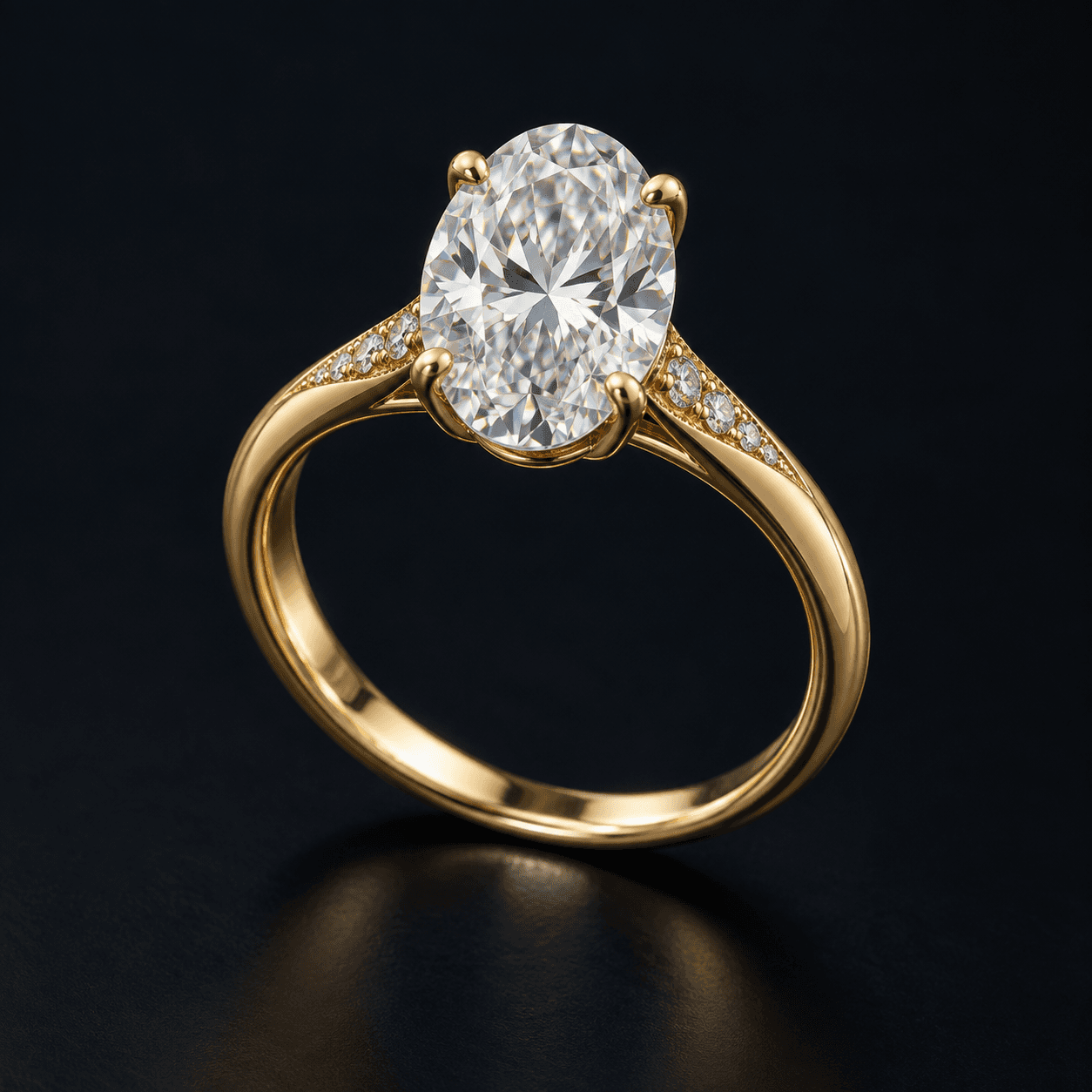
Oval diamond ring
Gold band · oval stone · prong setting
Drop a photo. Create a 3D CAD concept.
Turn your jewellery reference into a design you can refine, then export as STL or .3DM with Yuvxa for Windows.
 Yuvxa STUDIO
A clear reference is where your next design begins.
An animated example of the idea. Your actual CAD needs dimension and geometry review.
From your jewellery photo.
Into your CAD workflow.
01 / SEE THE POSSIBILITIES
From the curve of a band to the setting of a stone. Explore how a jewellery reference can be visualized as a CAD concept.
01 / DESIGN STUDYGold band · oval stone · prong setting
 02 / DESIGN STUDY
Pear-cut centre · diamond halo · gold bail
These AI-created photo and CAD-style illustrations explain the workflow; they are not actual Yuvxa outputs. Actual designs depend on your references and need review.
02 / LESS DISTANCE FROM IDEA TO DESIGN
Start with your jewellery photo. Build a 3D concept with AI. Refine it and export to the tools you already use.
Start with a ring, pendant or another jewellery reference. Add up to eight angles to show the stones, setting and finer details.
Yuvxa uses your reference to create a 3D CAD concept. Inspect the design with materials, lighting and wireframe views.
Adjust supported dimensions, save a new design version and export to your jewellery CAD or 3D printing workflow.
03 / A JEWELLER’S WORKSPACE
Explore the stone, the setting and the silhouette. Keep the creative decisions in your hands.
Show the front, profile and close-up details. Multiple reference photos help AI interpret stone placement, settings and the overall form.
Adjust declared band, setting and part dimensions on supported designs. Preview the change, then build a new CAD version locally.
Explore gold, silver and other metal appearances under studio lighting. Switch to wireframe or X-ray for a closer look at the model.
Successful CAD builds and exports are validated and saved as separate versions. Revisit a previous design whenever you need it.
Export options depend on the generated design. Review scale and geometry before production.
04 / YOUR DESIGNS, CLOSE TO HOME
Keep your references, saved jewellery designs and generated files organized on your computer. Pick up your next revision right where you left off.
Website sign-in is available. The desktop connection and credit system are coming soon. AI generation requires processing your submitted references with an AI provider. This website’s sample demo does not upload your photos.
Read our Privacy Policy05 / ROOM FOR YOUR NEXT IDEA
Choose a credit pack for your creative rhythm. Simple INR pricing, with purchases opening soon.
A little inspiration. A new beginning.
More room for your next collection.
Launch-preview plans. No fixed one-credit-per-design charge. Purchased credits won’t expire. Once added to your account, credits have no change-of-mind refund; payment errors and mandatory legal remedies remain covered. Exact usage rates will be published before checkout opens. Read Credits & Refunds.
BEFORE YOUR FIRST DESIGN
What to expect when you turn a jewellery reference into a 3D CAD concept.
Yes. Start with one JPG, PNG or WEBP image. You can add up to eight views to show the setting, band, stone layout and details that a single angle might hide. Clear, well-lit photos give the model more useful information.
Yuvxa aims to reconstruct the visible design, but AI can interpret details differently. A photo cannot establish exact scale or reveal hidden surfaces. Treat the result as a design concept: check dimensions, stone settings and geometry, then refine it before production.
Yuvxa offers local 3DM export for Rhino and MatrixGold workflows. The 3DM contains named polygon meshes; exact STEP solids can also be exported when available. It does not recreate MatrixGold’s original parametric history. STL and GLB options support other review and printing workflows.
No. The product demo uses sample images, not live uploads or AI generation. You can sign in to your website account with Google. The Windows app connection and Yuvxa-provided AI API access are coming later, so signing in here does not connect the desktop app yet. Read our Privacy Policy.
Choose Sign in in the header, then Continue with Google. The same button creates your account on your first visit or signs you back in. We don’t ask for a separate password or payment. Continue to sign-in.
According to the AI usage for the reference photos and request you submit — not one credit per design. A pack does not guarantee a set number of designs. Exact metering rates and rules for retries, failed or cancelled requests will be published before paid use opens.
Not yet. The upcoming packs are ₹1,100 for 10 credits and ₹5,000 for 50 credits, with Razorpay planned for payments. Buy now opens a coming-soon message; no payment is collected. Purchased credits won’t expire. Unused credits will be non-refundable, subject to mandatory legal rights. Read Credits & Refunds.
 ON THE HORIZON
Bring your reference. Explore it in 3D.
Yuvxa for Windows is coming soon.
